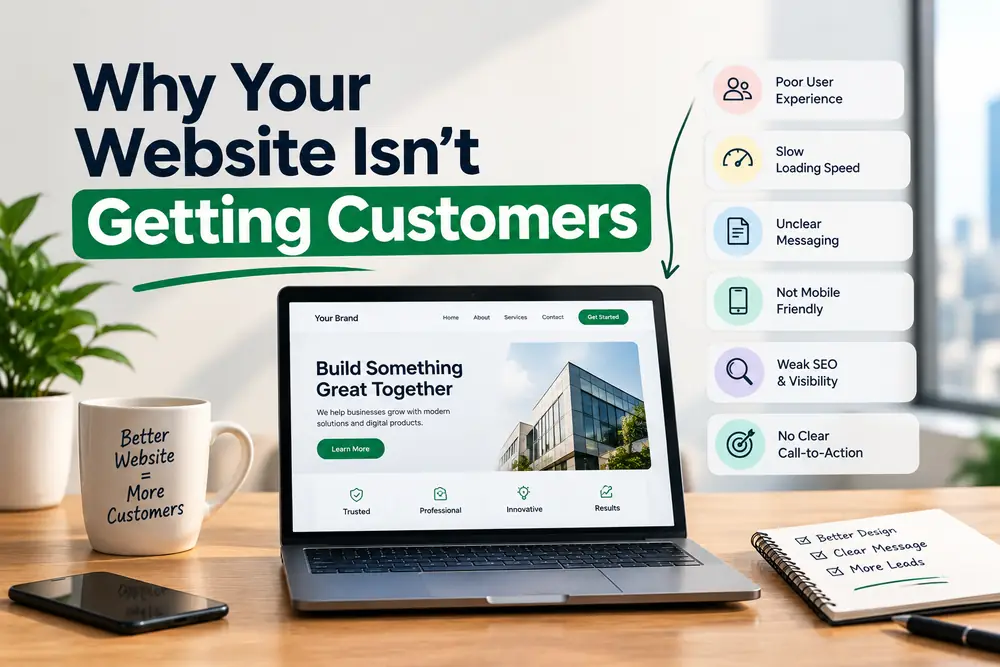
You paid for a website and expected the phone to ring. If it doesn't, the problem is almost always one of two things: not enough of the right people are finding it (a traffic problem), or the people who do visit aren't taking action (a conversion problem). The fix is different for each, so diagnose first.
Step 0: Diagnose in 15 minutes
- Open Google Search Console: is your site indexed, and which searches show it?
- Open your analytics: how many visits do you get, and from where?
- Count how many visits turn into calls, forms or orders
- Visit your own site on a phone and try to contact you
If visits are very low, work on traffic (fixes 1–5). If visits are decent but actions are rare, work on conversion (fixes 6–10).
Traffic fixes
1. Make sure Google can find you
Confirm your pages are indexed and not blocked. Submit your sitemap in Search Console and fix crawl errors.
2. Create a page for each service and location
One generic page can't rank for every service. Build a clear, useful page for each main service, and location pages if you serve different areas. This is core SEO work.
3. Set up your Google Business Profile
Local customers often find businesses through Maps first. Follow our checklist.
4. Fix speed and mobile
Most visits come from phones. Google's "good" targets are LCP of 2.5 seconds or less, INP of 200 milliseconds or less and CLS of 0.1 or less. Compress images, remove unused scripts and test on a real phone.
5. Answer real questions
Write content that answers the questions customers ask before buying: costs, process, comparisons, timelines. Clear, answer-first pages help traditional search and AI-generated answers.
Conversion fixes
6. Say what you do in the first screen
A visitor should understand what you offer, who it's for and what to do next within five seconds. Replace vague slogans with a plain headline.
7. Give one clear next step
Pick one main action (call, book, buy) and make it obvious on every page. Too many choices lower action.
8. Show trust
Add real reviews, photos of your team and work, clear contact details and policies. Only make guarantees you can honor.
9. Make it easy to contact you
Use a tap-to-call number, short forms (name, contact and one question is often enough) and confirmation messages.
10. Track and follow up
Set up tracking for calls, forms and purchases, and reply to enquiries fast. Many leads go to the first business that answers.
The five-second test
Show your home page to someone who doesn't know your business for five seconds. Ask what you sell and what they'd click. If they can't say, rewrite the first screen.
A page-by-page audit
- Home page: does the first screen state what you do and for whom, and show one clear action?
- Service pages: does each answer the questions customers ask, with proof and a next step?
- Contact page: is it fast and easy to call or send a message?
- Product pages: are the photos, prices, shipping and returns clear?
- Checkout or booking: how many steps are there, and where do people drop off?
Common technical gotchas
- A "noindex" setting left on from when the site was being built
- Pages blocked in the robots file
- Huge images that slow every page
- Pop-ups that cover content on phones
- Broken forms that never send enquiries
- Missing or incorrect tracking
Questions owners ask
How long until I see improvement?
Conversion changes can show in days or weeks once enough visitors pass through. Search visibility usually takes longer.
Should I rebuild my website or fix it?
If the structure and platform are sound, fixing the biggest problems is faster and cheaper. Rebuild when the site is slow beyond repair, hard to update or doesn't work on phones.
Do I need a blog?
Not always. Helpful pages that answer real customer questions matter most. A blog is one way to publish them, if you can keep it up.
Next step
Our website design and CRO service and Shopify development focus on exactly these fixes. Contact us with your site address and we'll suggest where to begin.