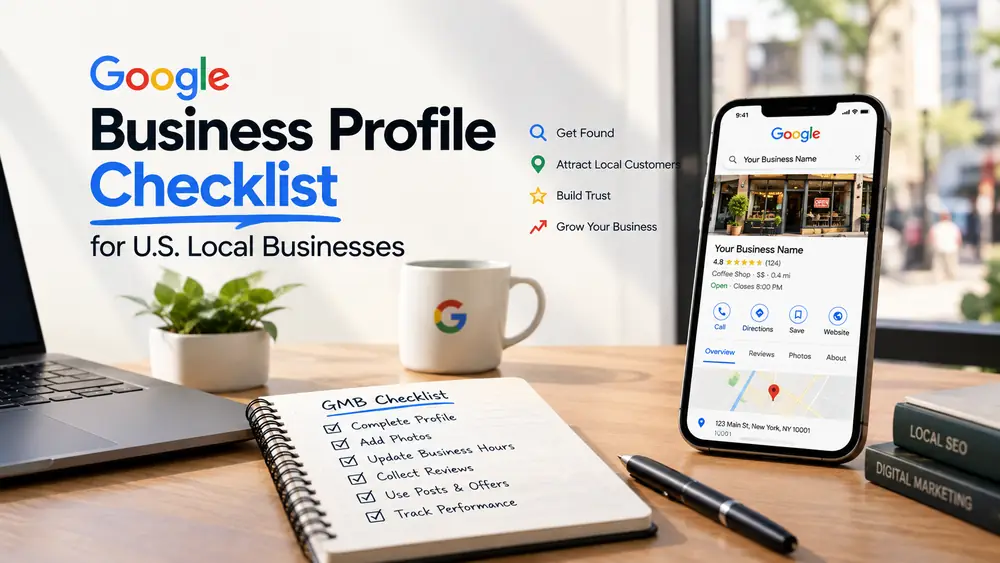
For businesses that serve customers in a city or area, the Google Business Profile (GBP) is often the first thing people see in maps and local results. A complete, accurate profile helps customers call, get directions or visit your site. Use this checklist to set it up and keep it healthy.
1. Claim and verify
- Search for your business on Google Maps and claim the listing, or create one
- Complete Google's verification so you control the profile
- Add trusted team members as managers instead of sharing one login
2. Core information
- Use your real-world business name, exactly as customers see it on signage and invoices. Don't add keywords or locations to the name.
- Add the address, or your service area if customers don't visit you
- Set accurate hours, including holiday hours
- Add a local phone number and your website link
Google's guidelines are strict about names and addresses. Stuffing keywords into a name can lead to suspension, so keep it honest.
3. Categories and services
- Choose the most accurate primary category; it carries the most weight
- Add secondary categories that truly describe what you do
- List your services or products with short, plain descriptions
4. Description and links
- Write a clear description (the limit is 750 characters) that says what you do, who you serve and where
- Add booking, ordering or appointment links where available
- Use a tracked link to your website so you can see profile visits in analytics
5. Photos and video
- Add a logo and a cover image
- Upload real photos of the exterior, interior, team and your work
- Refresh photos regularly so the profile looks current
6. Reviews
- Ask happy customers for reviews with a simple link or QR code
- Reply to every review, positive or negative, in a professional tone
- Never buy, fake or gate reviews; it breaks platform rules and erodes trust
Read more about this approach in our reputation and reviews service.
7. Updates and activity
- Post updates about offers, events and new services
- Respond promptly to messages if you've turned them on
- Report fake or spam reviews through official channels
8. Multi-location businesses
- Give each location its own profile with its own accurate details
- Link each profile to a unique, useful location page on your site
- Keep names, addresses and phone numbers consistent everywhere online
9. Measure what matters
- Track calls, direction requests, website clicks and bookings from your profile's performance data
- Compare month to month, and note changes you made
- Connect profile traffic to leads in your analytics
Monthly routine
- Check hours and holiday hours
- Add new photos
- Review and reply to new reviews
- Check categories, services and links
- Scan for unauthorized edits or duplicate listings
What to do when something goes wrong
- Suspended profile: read the notice, fix the issue it names (often the name, address or category) and submit a reinstatement request with evidence such as a license or signage photo
- Duplicate listings: report them through Google's tools so they can be merged or removed
- Fake or abusive reviews: flag them through official channels and keep a record
- Wrong details appearing: check suggested edits and correct them promptly
Examples by business type (illustrative)
- Restaurant: add menu, reservation and ordering links, photos of food and the dining room, and accurate holiday hours
- Home services: if you travel to customers, set a service area, list each service, and add photos of finished work with the customer's permission
- Clinic or professional office: choose precise categories, add an appointment link and follow your industry's privacy rules; never share patient information
- Retail: show products, in-store pickup options and current hours
Questions owners ask
Do I need a website for my profile?
A profile can work without one, but a website with clear service and location pages gives Google and customers more to trust and helps your profile perform.
Can I hide my address?
Businesses that serve customers at their location must show the address. Service-area businesses that travel to customers can usually hide it. Check Google's current guidelines for your type of business.
How many reviews do I need?
There is no magic number. A steady flow of recent, genuine reviews with thoughtful replies matters more than a single burst.
How often should I post updates?
Post when you have something worth sharing, such as an offer, event or new service, and keep a regular rhythm you can maintain.
Next step
Your profile works best alongside a strong website and location pages. See how our SEO and local SEO service covers both, or contact us to talk about your locations.